
This video walks you through the key points — it’s the best way to understand everything in just a couple of minutes.
Further Reading
Enabling SMS on your Organization Settings
To turn on SMS messaging, go to the Organization Settings tab by clicking the three dots next to your Organization name.
Within the Settings profile, you’ll see an Enable button—click this to activate Text Messaging.
Once enabled, the profile will show:
-
The number of text messages sent during the current monthly billing period
-
The applicable billable rates
You’ll also find a View details button, where you can review additional information about messaging and billing.
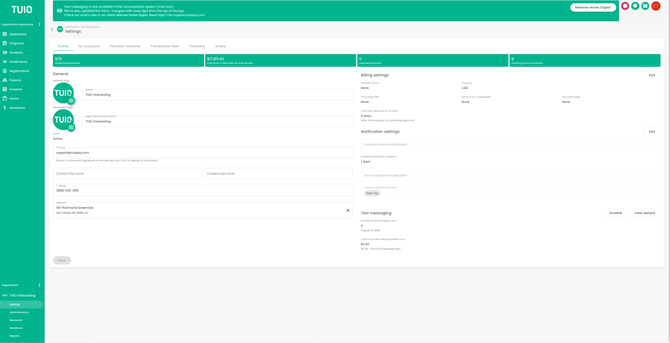
If you ever need to turn off SMS messaging, simply click the Disable button.
Sending SMS using Conversations
Once you have set up a Conversation using your Communications tab (Inbox), you can send SMS Text messages by clicking the checkbox "Also send via text message". This will send an email and an SMS Text message to all parents with a phone number on file.
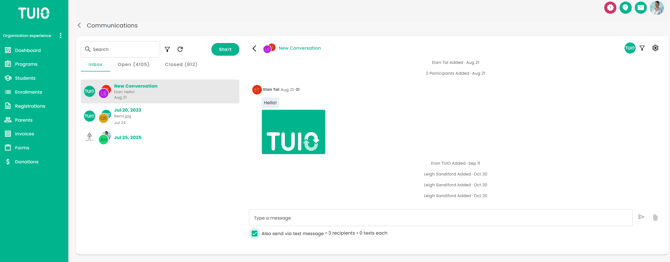

If you need help setting up a Conversation, see this article:
Communications: Getting Started
Need Help?
If you need assistance with enabling or sending SMS text messages, contact
📧 support@tuiopay.com
Our team will walk you through the setup or review your configuration.