
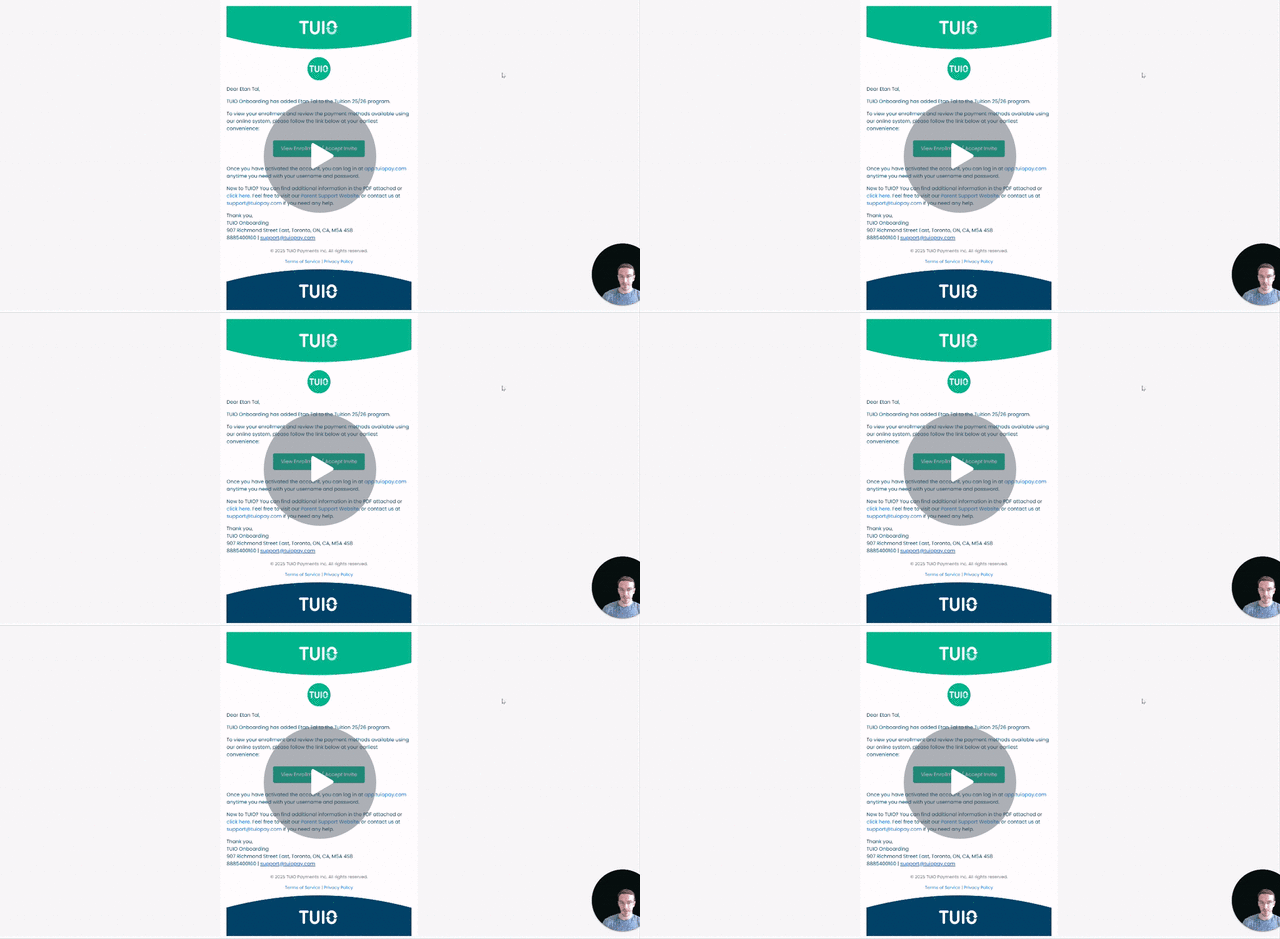
This video walks you through the key points — it’s the best way to understand everything in just a handful of minutes.
Further Reading
TUIO sends out some automated emails on your behalf, related to actions including: account setup, invoicing, reporting, and reminders.
Below are a few examples of automated emails that might be sent (additional examples are available in the video above):
1. Program Enrollment
.png?width=592&height=931&name=image%20(9).png)
When a student is enrolled in a program and the parent is notified, the parent will be sent an automated email - with your school information - that the student has been enrolled in a program and can set up payment. If they have yet to activate the account they will receive their activation link to TUIO this way.
2. Invoice Issuance
.png?width=589&height=916&name=image%20(10).png)
When an invoice is issued according to the payment plan in the program the student has been enrolled into, the parent will receive an email that an invoice has been issued that they can view. If the parent is already set up for online payments by confirming payment in the program, there is no further action required for them to push out payment on this invoice. It is just sent for them to view and make sure they have the funds available on the due date.
Your billing terms will dictate when the invoice is due after being issued, but you can customize this in a payment plan or per student if needed. Sometimes this email will be the catalyst for a parent to set up payment in the program since they can see the invoice.
3. Upcoming Invoice Reminder
.png?width=586&height=747&name=image%20(14).png)
If the parent has not yet set up payment and the invoice is due the next day, they will receive an automated email as a friendly reminder of the upcoming scheduled payment.
4. Payment Receipt
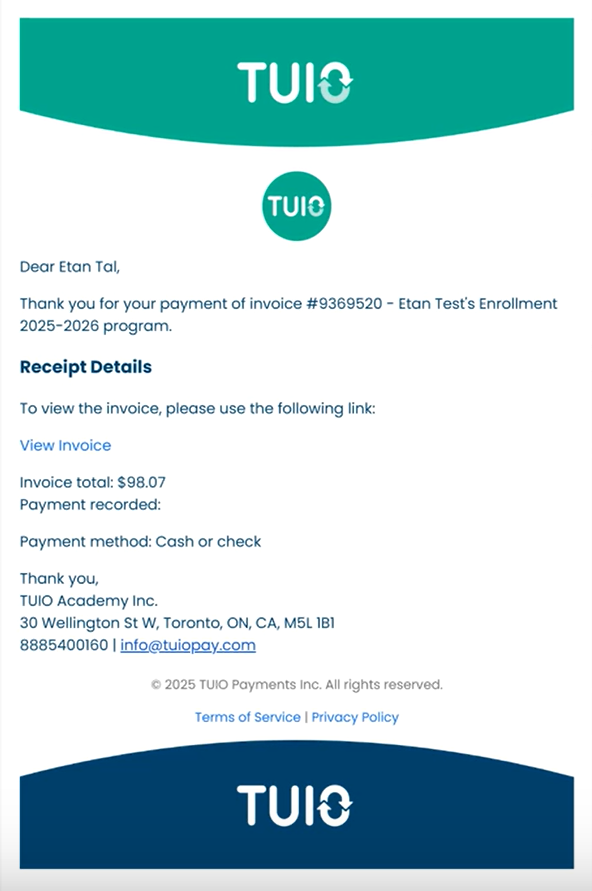
When an invoice is processed as paid on TUIO, parents receive an email notifying them of this. The parent can view the receipt on the invoice and it is linked to their account to view it on demand.
5. Payment Failed Email
.png?width=586&height=936&name=image%20(15).png)
If an automated payment attempt fails or is declined (e.g., due to an expired credit card), the parent will receive an automated email notifying them of the failed payment and providing resolution instructions.
6 Overdue Invoice Reminder
.png?width=594&height=934&name=image%20(11).png)
If an invoice is past due, the parent will receive an email reminder the day after the due date indicating that the payment is overdue. Sometimes parents forget to set things up and this reminder can be a helpful nudge to get them online. Reminders can be sent individually or in bulk, at your discretion, either before or after the 24hr period. E.g. if you want to send a reminder a week past due you can use the feature in your Invoices tab.
6. Sent Report (Tax Receipt)
.png?width=589&height=663&name=image%20(12).png)
When you send out a report using our 'Reports' feature, the parent will receive an email copy of the report for their records. The report will be attached in PDF form for their use.
7. Form Invite
.png?width=589&height=648&name=image%20(16).png)
When the school sends a form that is targeted for completion by the parent, the parent will receive an automated email linking them directly to the form to be filled out.
8. Registration Form Submission Notification
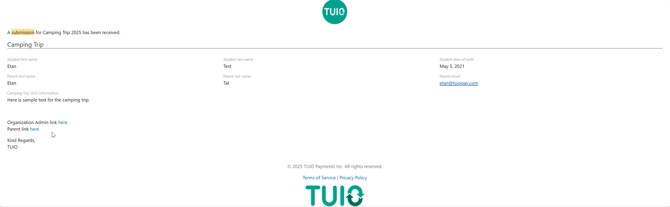 After a parent successfully submits a student registration form, they will receive an automated email confirming the submission and providing a copy of their responses for their records.
8. Unread Messages Notification
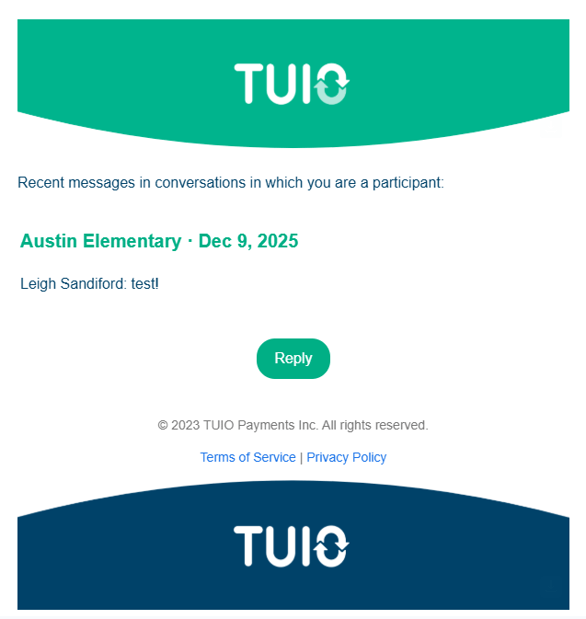
If the parent has new messages in their portal's Conversations tab that they have not read, they will receive an automated email prompting them to view the new messages.